Choose a floor
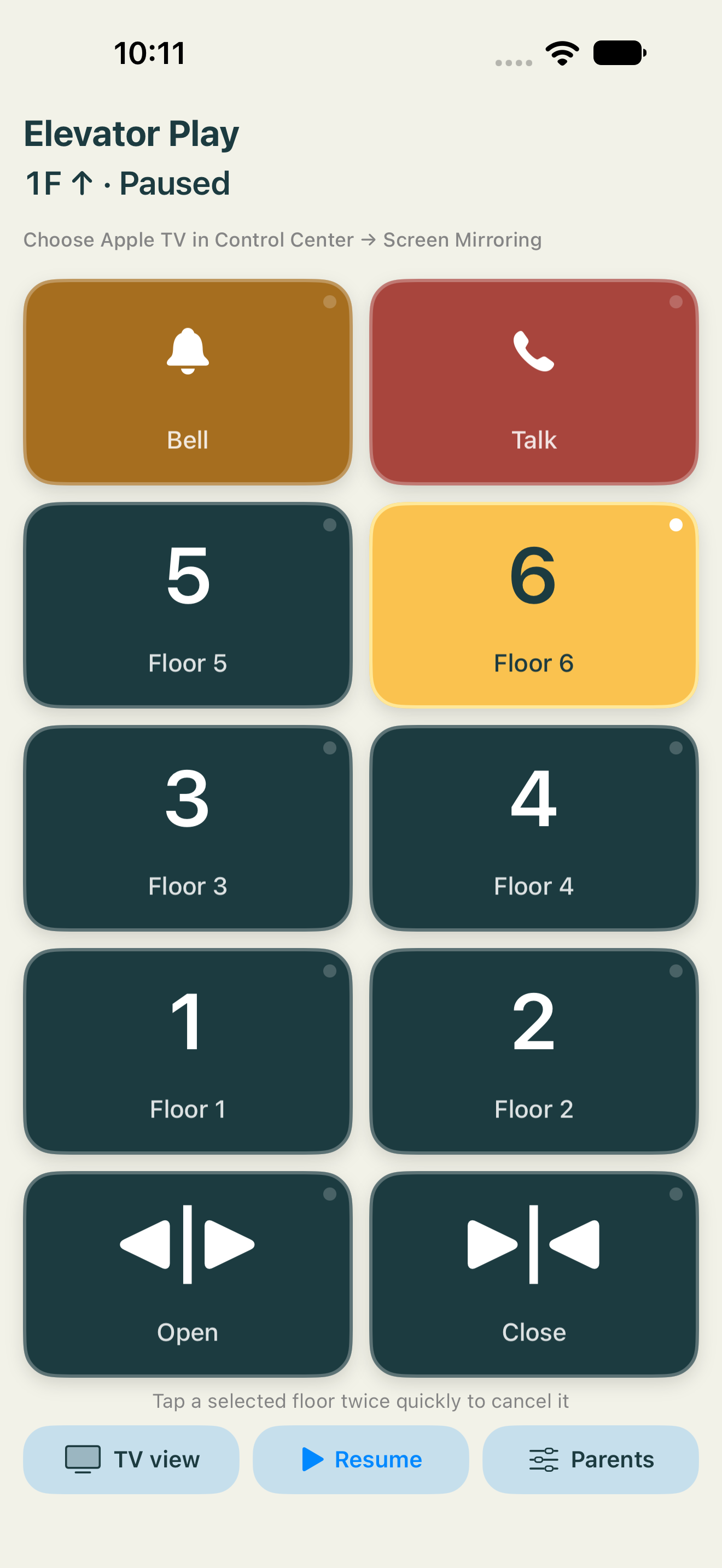
Large illuminated buttons acknowledge the press. Double-tap a selected floor to cancel it.
An elevator adventure, together
Turn an iPhone or iPad into an elevator panel. Choose a floor, hear the journey, and discover a playful room when the doors open.
Free for iPhone & iPad · English & Japanese
App Store release in preparation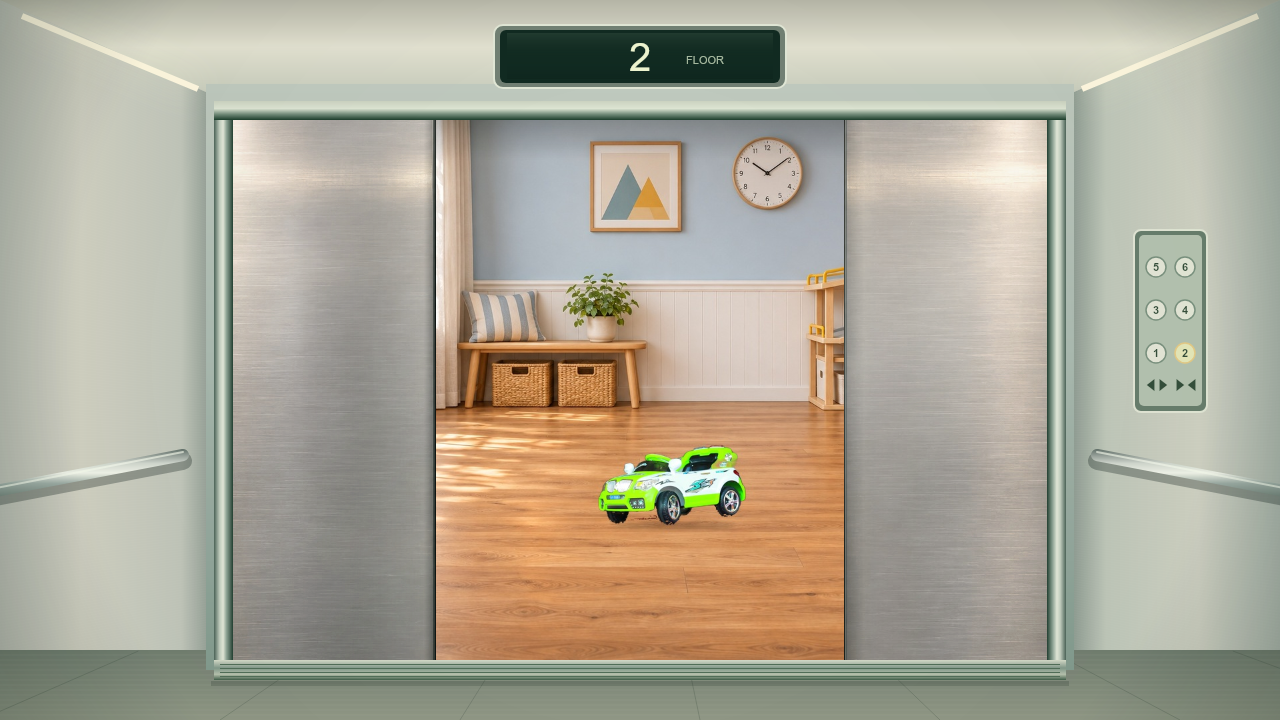
Actual app TV view · elevator cabin and doors included.
01 · HOW IT WORKS
A familiar sequence gives every action a visible response, with time to watch what happens next.
Large illuminated buttons acknowledge the press. Double-tap a selected floor to cancel it.
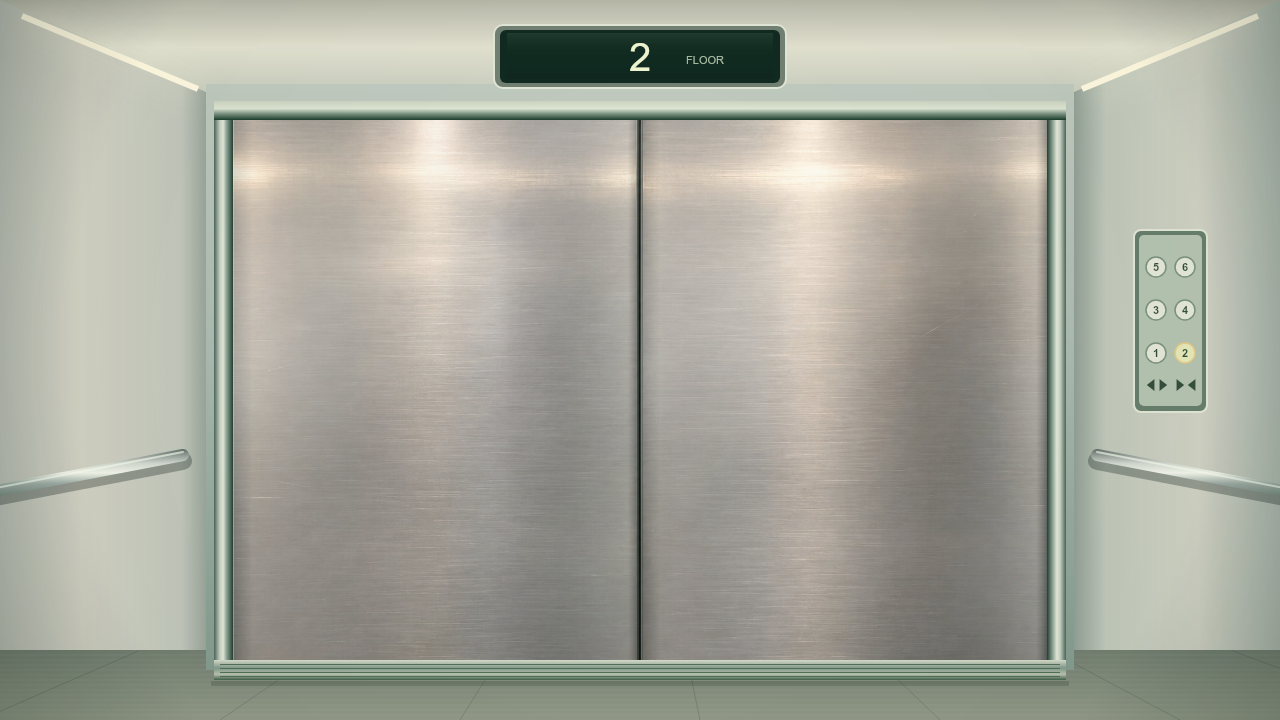
Hear the doors and the changing hum as the elevator starts, travels and slows down.
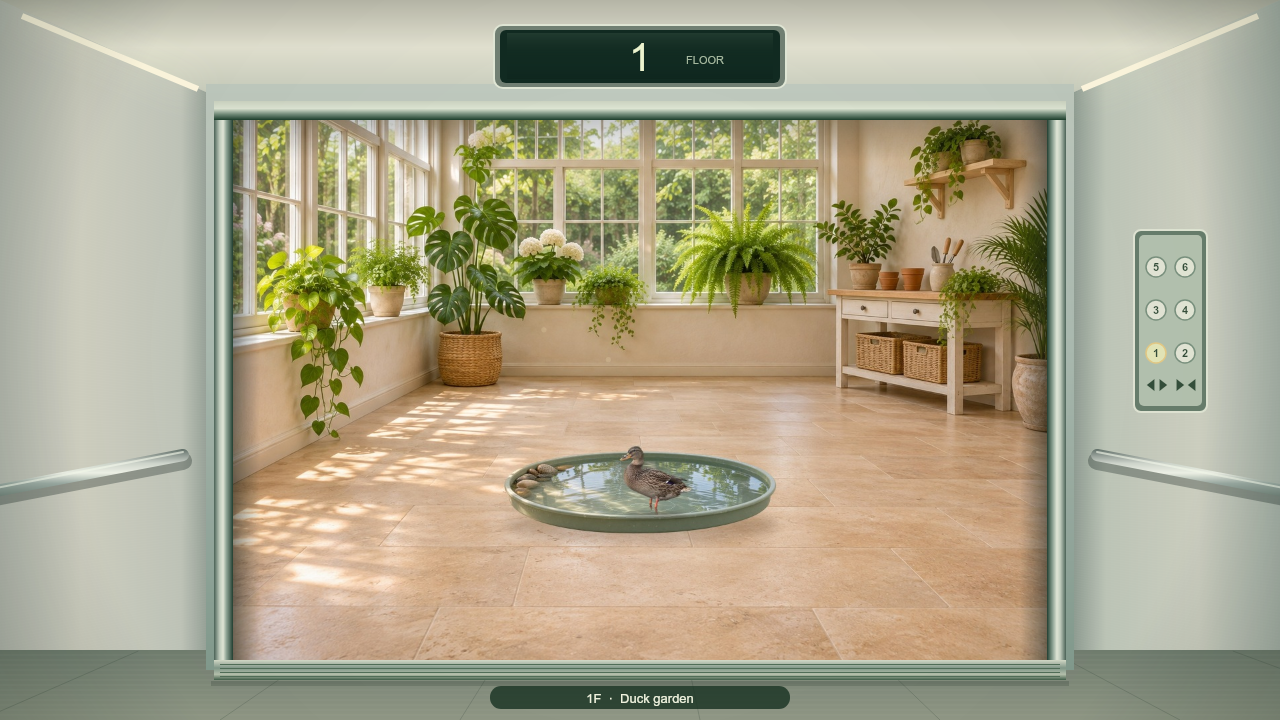
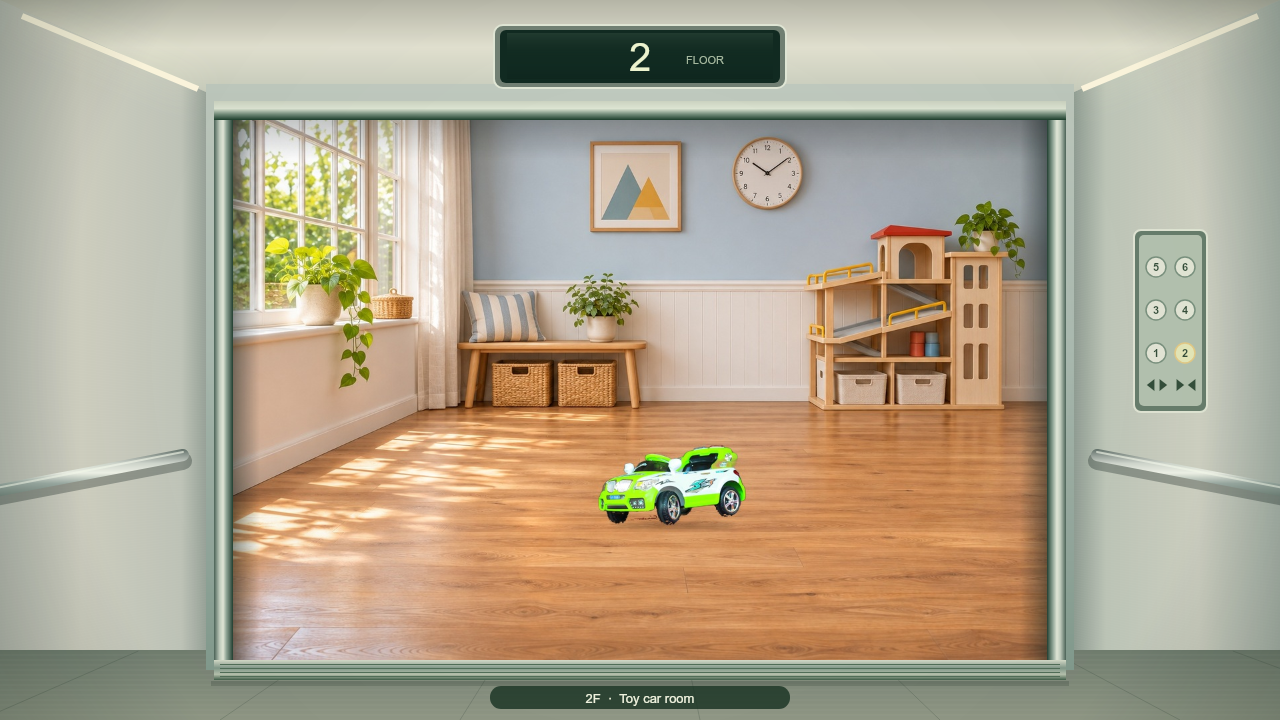
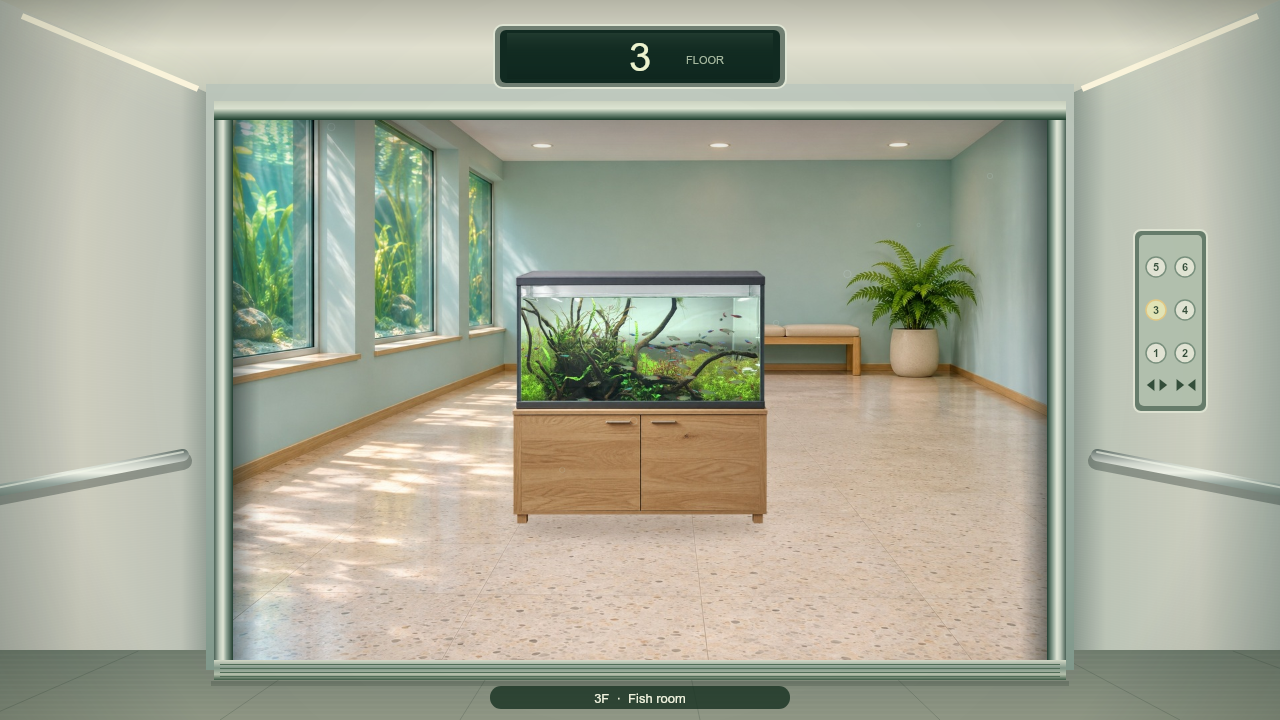
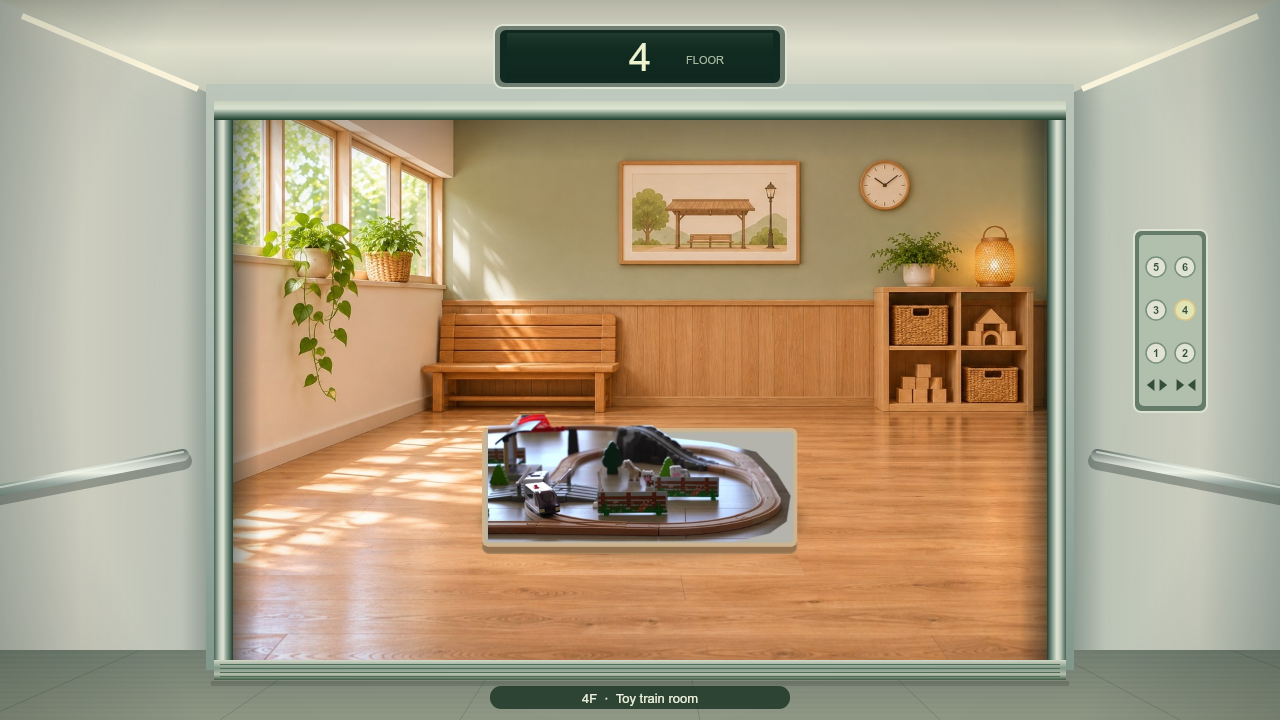
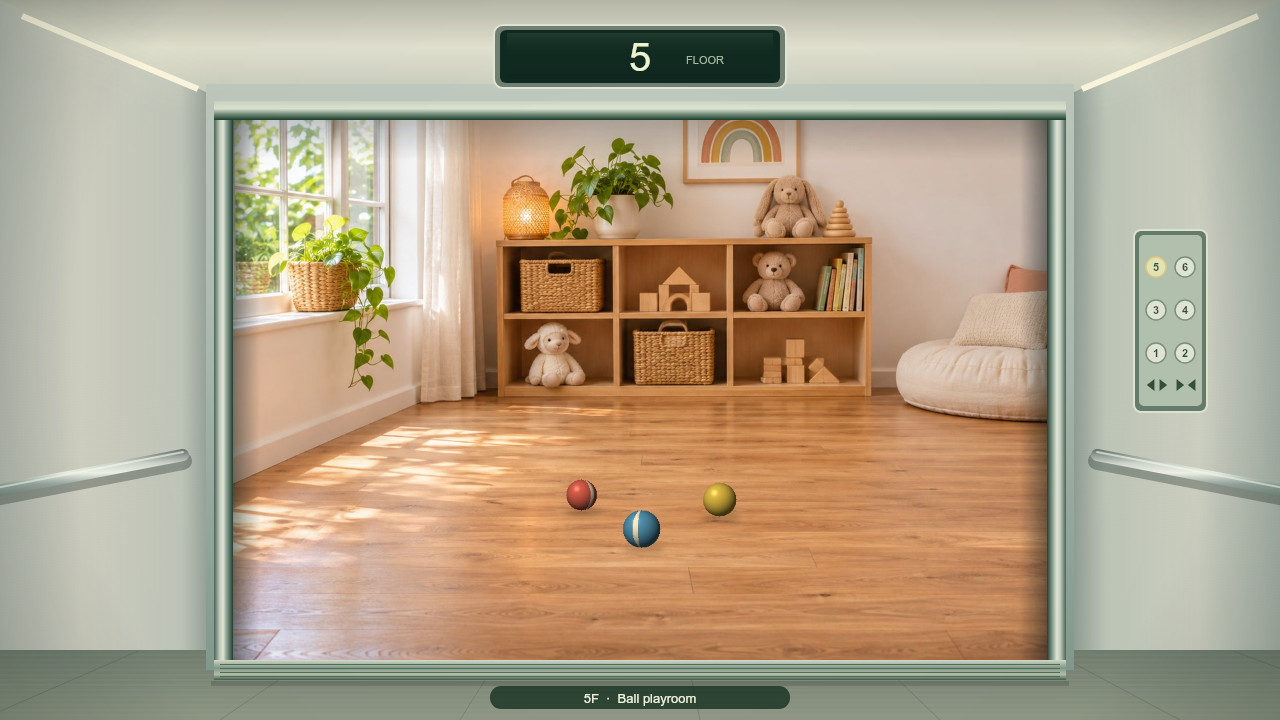
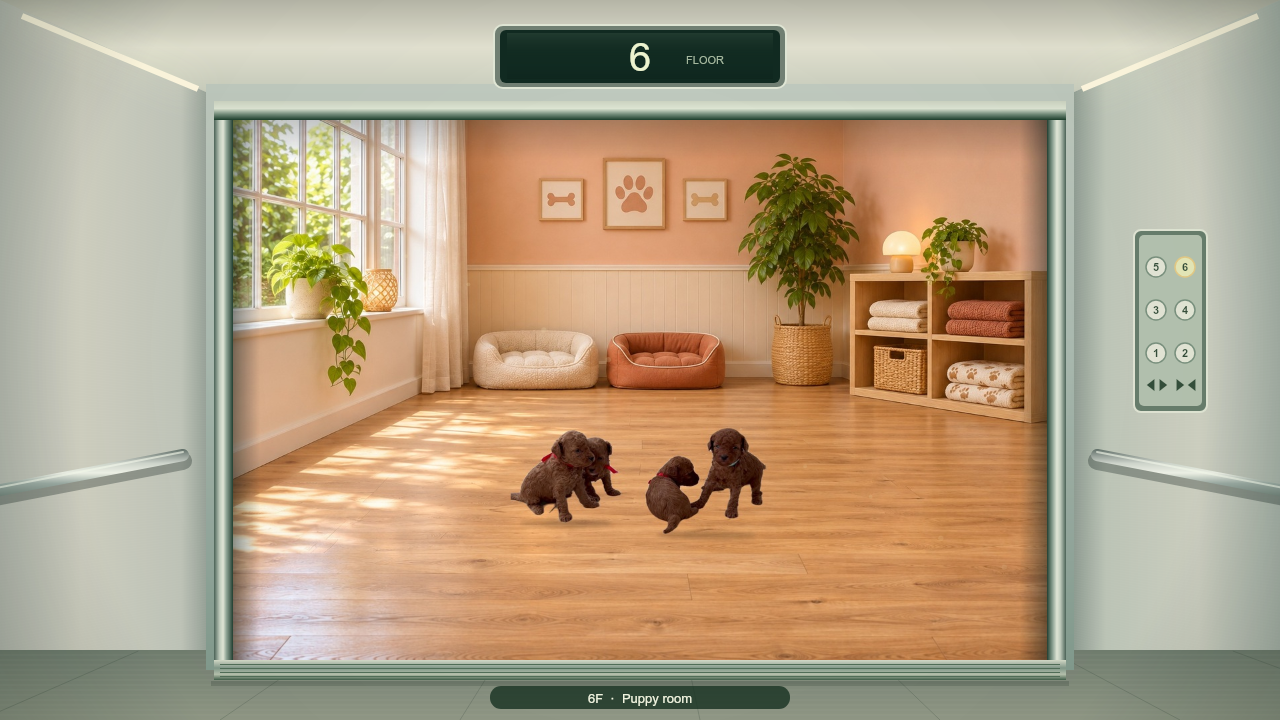
The doors open onto one of six playful rooms. Choose another floor and explore again.
THE ACTUAL TV EXPERIENCE
Use the iPhone panel beside the TV. The buttons drive the app’s own elevator renderer and motion model. Sound starts on your first button press. Use the speaker icon in the phone header whenever you prefer quiet.
TV view · controlled by the phone beside it
Sound is on. It starts when you press an elevator button.
1F · Doors closed
Try the buttons belowTap a selected floor twice quickly to cancel
02 · DISCOVER THE FLOORS
Familiar animals and toys, viewed from the same elevator doorway. Each floor has its own room to explore.
03 · A BIGGER SHARED EXPERIENCE
Apple TV is our recommended way to play together. The iPhone or iPad stays a simple controller while the elevator fills the television screen.
Set up Apple TV04 · FOR FAMILIES
Made for children who enjoy elevators, including children with different ways of playing and responding. Share the experience with a parent or caregiver, repeat a favorite journey, and leave time to notice the result.
A play experience for families. It is not a medical device or a therapy program.
We’re preparing the iPhone and iPad release. In the meantime, explore the setup guide or get in touch with AIN Lab.
App Store release in preparation